
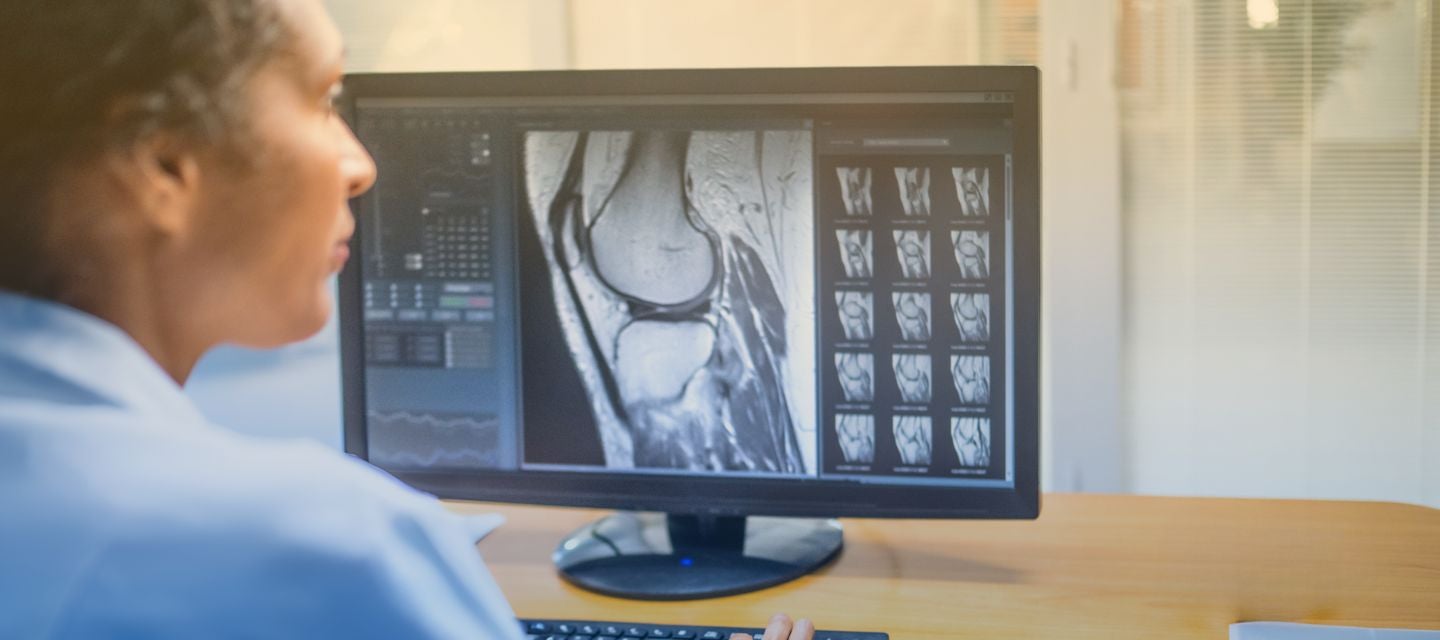
Access patient images
Access patient images
Access I-MED Online
View Images within your practice management software
Viewing your patient’s images has never been easier. You now have the convenience of accessing images from your patient’s radiology report. Accessing your patient's images via your practice management software is simple, saves time and allows you to promptly take care of your patients.
See instructions here
I-MED Online Referrer Portals
National I-MED
- I-MED Online (VIC Metro, Echuca, Mildura, Goulburn Valley, NSW Metro, QLD, WA)
https://portal.i-medonline.com.au - I-MED PACS InteleConnect
https://pacs.i-med.com.au/Portal/app
Regional I-MED (Gippsland, Border, Wangaratta, Riverina, Tasmania, Darwin)
- RIL PACS (InteleConnect)
https://pacs.ril.com.au/Portal/app
Alfred & Mater Imaging (Inner West Sydney and The Mater Hospital Sydney)
- AMI PACS (InteleConnect)
https://iwpacs.com.au/Portal/app#
Apply for an account
I-MED (I-MED Online for National and Regional)
https://portal.i-medonline.com.au/apply
I-MED Online for Alfred & Mater Imaging
https://portal.i-medonline.com.au/alfred-mater-imaging
Report feedback
To improve reporting quality, you now have the opportunity to provide feedback on a specific I-MED radiology report. To provide your feedback, access the Report Feedback link at the bottom of the I-MED report or click on the feedback button at the top-right corner of the Image Viewer window. Not available for all regional users.
Bookmarks for InteleViewer
I-MED
https://pacs.i-med.com.au
Regional users
https://pacs.ril.com.au
Alfred & Mater Imaging
https://iwpacs.com.au
How to create shortcuts
How to upgrade
Windows users
- Download a copy of our detailed instruction guide here.
- Here is a link to download the InteleViewer Removal Tool
Mac users choosing to upgrade
- Download a copy of our detailed instruction guide here.